
Begin with the visit
Name who the party expected to find and where. Choose their role, time away and tone.
DM and session
An ordinary absence.
A capable stand-in.
A clear way to reach them.
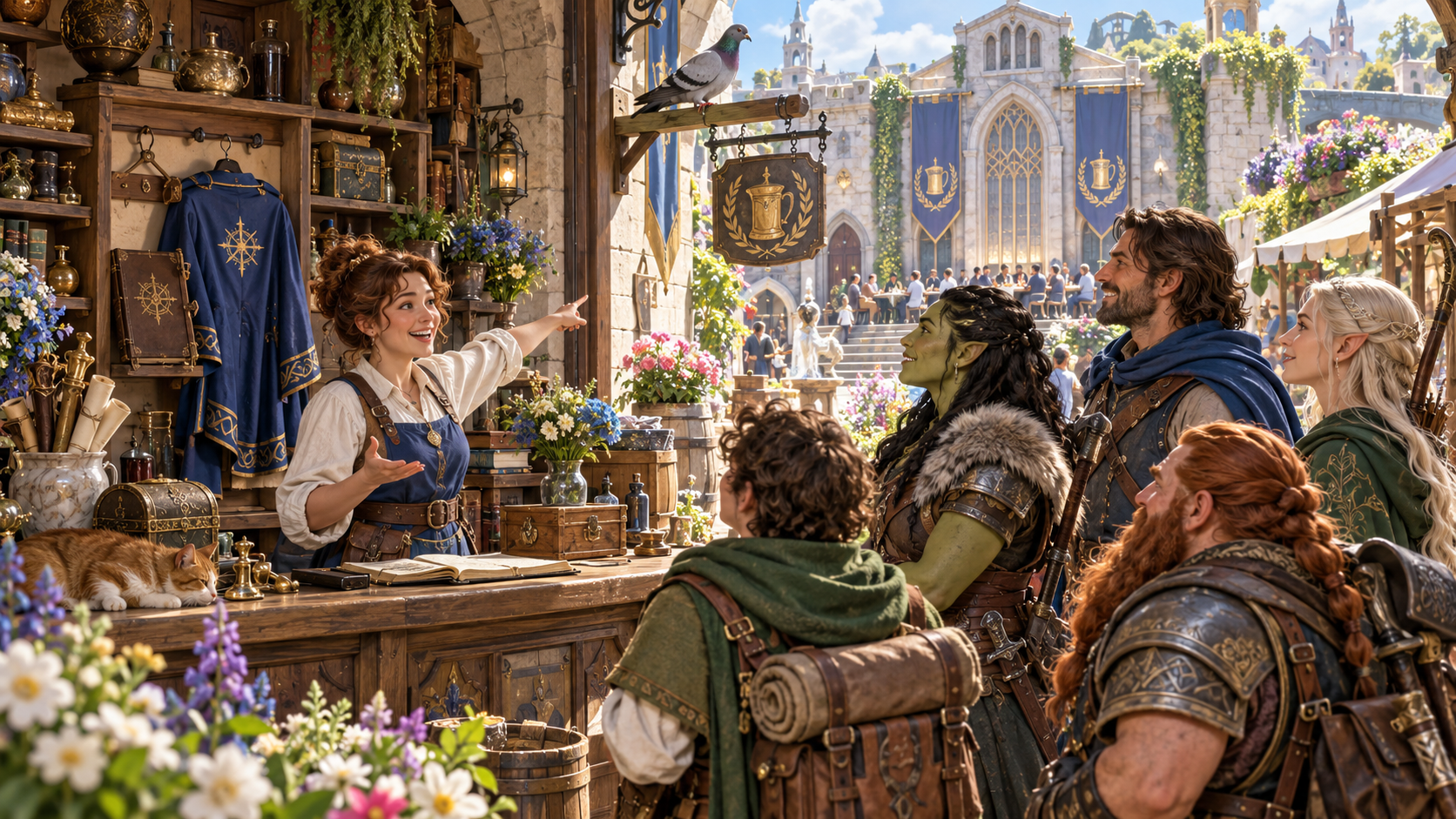
The character the party came to see
Keep an ordinary absence useful at the table.
Name who the party expected to find and where. Choose their role, time away and tone.
Explain the absence, introduce a capable stand-in and offer practical contact choices with a definite return time.

A stand-in who can help
The illustration shows an apprentice in a forge explaining an absence and pointing towards a delivery cart on the road.
Fit the reason to the role. Give the stand-in a consistent explanation and a useful line.
From the expected person to the return
Shape the reason, stand-in and contact choices.
Name the person the party came to see and the place where they expected to find them.
Choose an ordinary absence suited to a merchant, innkeeper, guard, official, craftsperson, cleric, scholar or member of the gentry.
Set roughly how long the character is away and the tone that suits the visit.
Explain where the character actually is so the absence has a practical, understandable reason.
Introduce someone who can help at the location and knows the same explanation.
Give the stand-in words to say. Keep the stated reason consistent with the absent character and their location.
Offer practical ways the party can reach the person instead of leaving the visit at a dead end.
State when the character returns. Keep the absence ordinary rather than creating a mystery or permanent disappearance.
Add what the character was last seen doing, anything to avoid and private Dungeon Master context.
Review, edit, lock and reroll the material. Save useful absences to your signed-in account and prepare a view for its audience.

Practical ways to make contact
The illustration shows an archive assistant with books, a message-carrying owl, a map and a view towards a scholar in a garden pavilion.
Read the opening line, let the stand-in explain and choose the contact method that suits the party.
A clear path through an unexpected visit
Use existing character context to shape the absence.
Enter who the party came to see and the location where that person should have been.
Choose the kind of character, roughly how long they are away and the tone for the scene.
Describe what they were last seen doing. List anything to avoid and keep private preparation in the Dungeon Master context.
Read the explanation, stand-in line, contact choices and return time. Edit, lock or reroll the sections you want to refine.
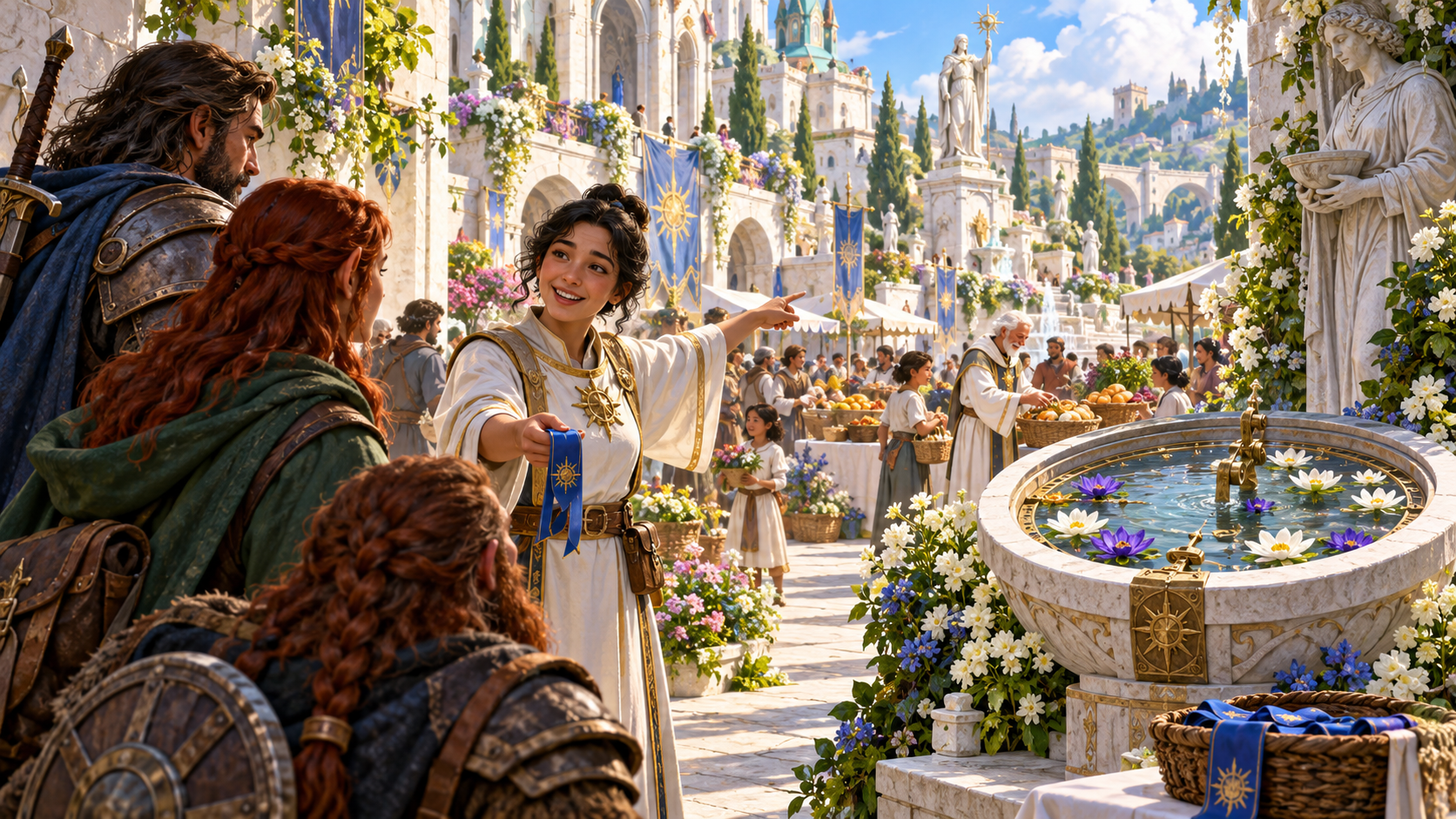
A clear answer at the location
The illustration shows a temple assistant speaking to adventurers beside a fountain while pointing towards a nearby festival.
Keep the reason, actual location, contact choices and definite return together. Prepare the opening line for the table.
Useful absences to keep and revisit
Prepare the right view for the next visit.
Save useful absences to your signed-in VISINVOKE account. Reopen, rename or duplicate a result when you need it again.
Search, tag and annotate saved material. Delete records you no longer need.
Revisit the saved version history as you refine the reason and stand-in. Keep a useful variation available for another scene.
Copy the table-ready, full Dungeon Master or player-facing view. Download the structured record or print it, keeping private notes with the appropriate audience.
Your workspace and related tools
Open your tools through your VISINVOKE account.
Open the generator from the Generators collection. Get the desktop workspace through your account installer page.

Bring notes or an existing deck into an editable presentation. Refine the slides and export PowerPoint.
Product illustrations show a helpful merchant assistant, a forge stand-in, practical contact choices at an archive and an explanation beside a temple festival.
Questions and answers
Keep the visit practical.
The party visits an established character who is not there. Create one ordinary absence, a capable stand-in, contact choices and a definite return.
Name who was expected and where, choose their role, time away and tone, then add what they were last seen doing, anything to avoid and private context.
Its scope is an ordinary, safe absence. Use the stand-in and contact options to keep the visit useful without turning it into an investigation.
Use the ready read-aloud line or player-facing view. The table-ready copy puts the opening line first; private notes belong in the Dungeon Master view.
Save useful absences to your signed-in account, reopen and organise them, revisit earlier versions, or copy, download the structured record and print a chosen view.
Create a VISINVOKE account or sign in. Get Desktop Control Centre through your account installer page and open the generator from the Generators collection.
Continue in VISINVOKE
Create an account or sign in. Get Desktop Control Centre through your account installer page and open the generator.
Shape a clear absence, prepare the stand-in line and keep useful results for another visit.